Skip to content

AI CMS ProDocumentation

Laravel CMS with E-commerce, LMS & Page Builder - Complete guide for installation, configuration, and usage
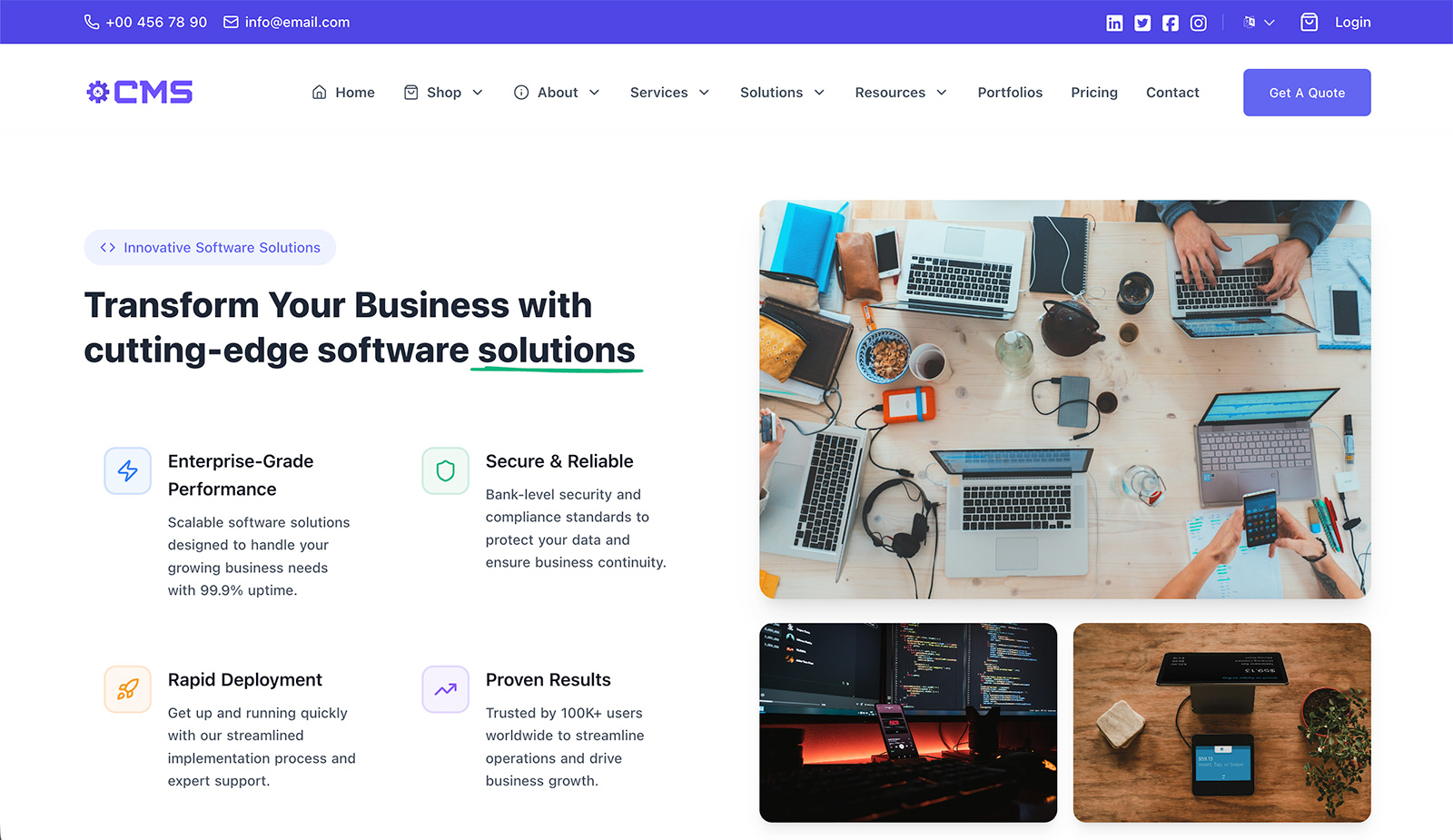
AI CMS Pro

Quick Start

New to AI CMS Pro?

  1. Check System Requirements - Verify your server meets the requirements
  2. Choose Installation Method - Select your server type (cPanel, Nginx, Apache, or VPS)
  3. Run Web Installer - Use the built-in installer for easy setup
  4. Post-Installation Setup - Configure essential settings

Already Installed?

Documentation Sections

📦 Installation

Complete installation guides for different server environments:

  • System Requirements
  • cPanel Installation
  • Nginx Installation
  • Apache Installation
  • VPS Installation
  • Web Installer Guide
  • Post-Installation Setup
  • Troubleshooting

🧩 Modules

Documentation for all available modules:

  • Core: User Management, Pages, Media Library
  • Content: Blog Posts, Testimonials, FAQs, Knowledge Base
  • E-Commerce: Products, Pricing Plans, Services
  • Learning: Courses
  • Projects: Projects, Case Studies, Events
  • Support: Support Tickets
  • Business: Quotes, Causes, Appointments, Jobs
  • Productivity: Task Manager

⚙️ Settings

Comprehensive settings documentation:

  • General Settings
  • Header & Footer Settings
  • Email Settings
  • Payment Gateways
  • Shipping Methods
  • Notification Settings
  • Module Settings
  • Design Settings
  • Configuration Settings
  • Homepage Settings

🔧 Additional Guides

  • Getting Started
  • AI-Powered Features
  • Credits & Attribution
  • Roles & Permissions
  • Frontend Customization
  • API Documentation
  • Backup & Restore
  • Security
  • Performance
  • Troubleshooting
  • FAQ
  • Changelog

Offline Documentation

Need to use the documentation offline or share it with others?

  • Generate Offline Version - Create a standalone, folder-based version
  • Open offline/index.html directly in your browser
  • No server required - works completely offline
  • Perfect for sharing via USB, email, or cloud storage

Need Help?


Last Updated: 1/22/2026

Released under the MIT License.